Introduction
What is Midilar designed for?
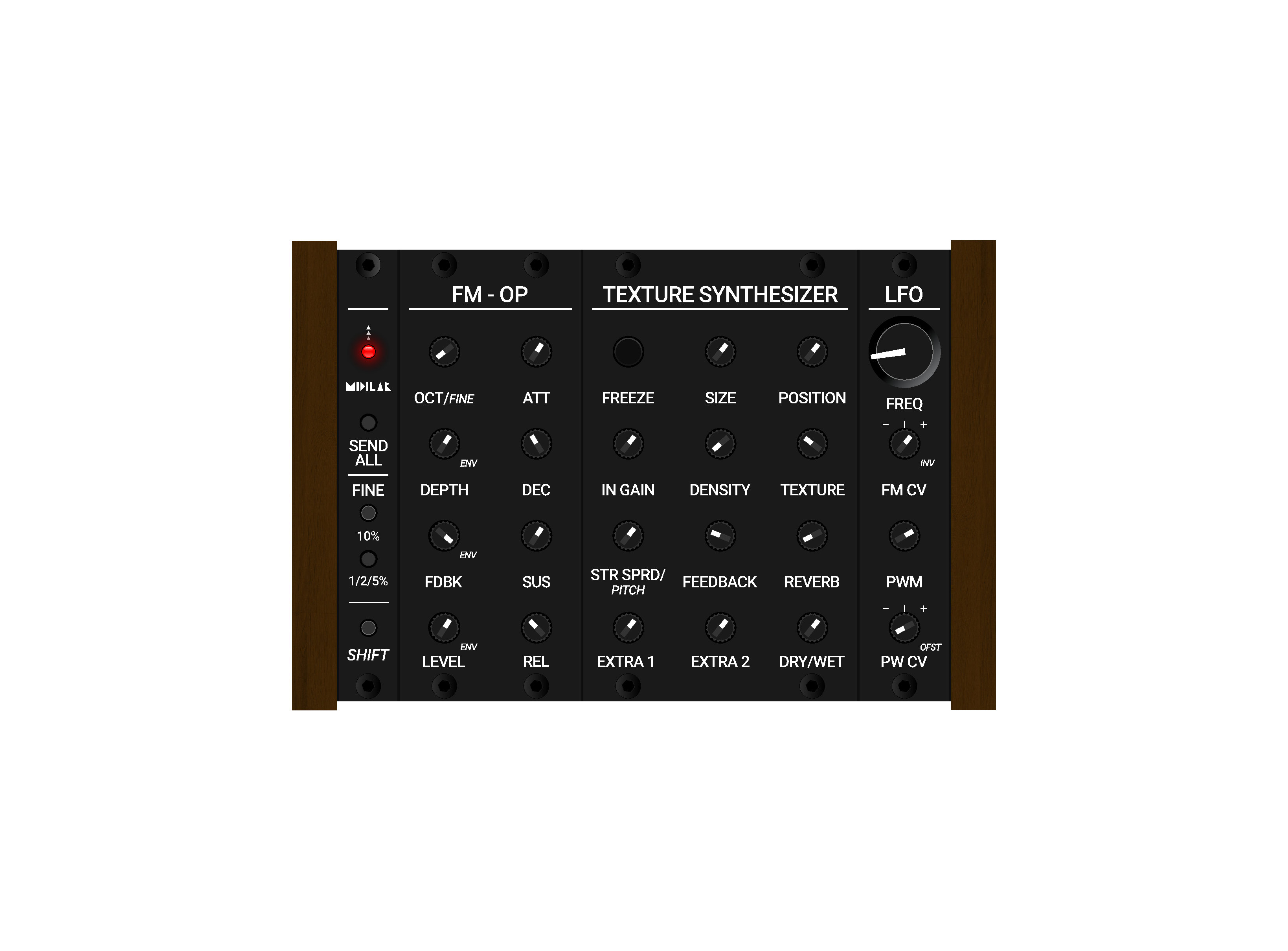
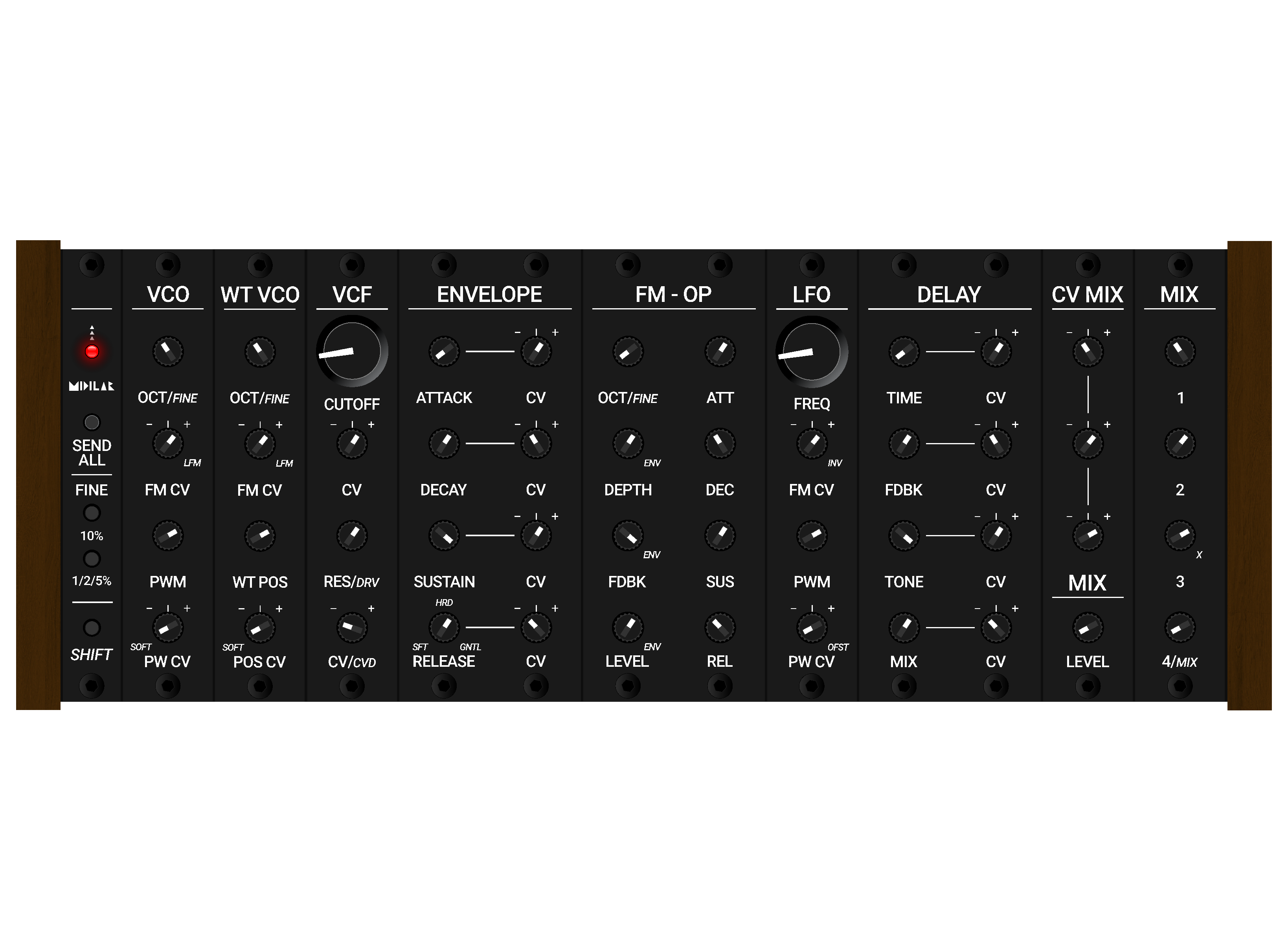
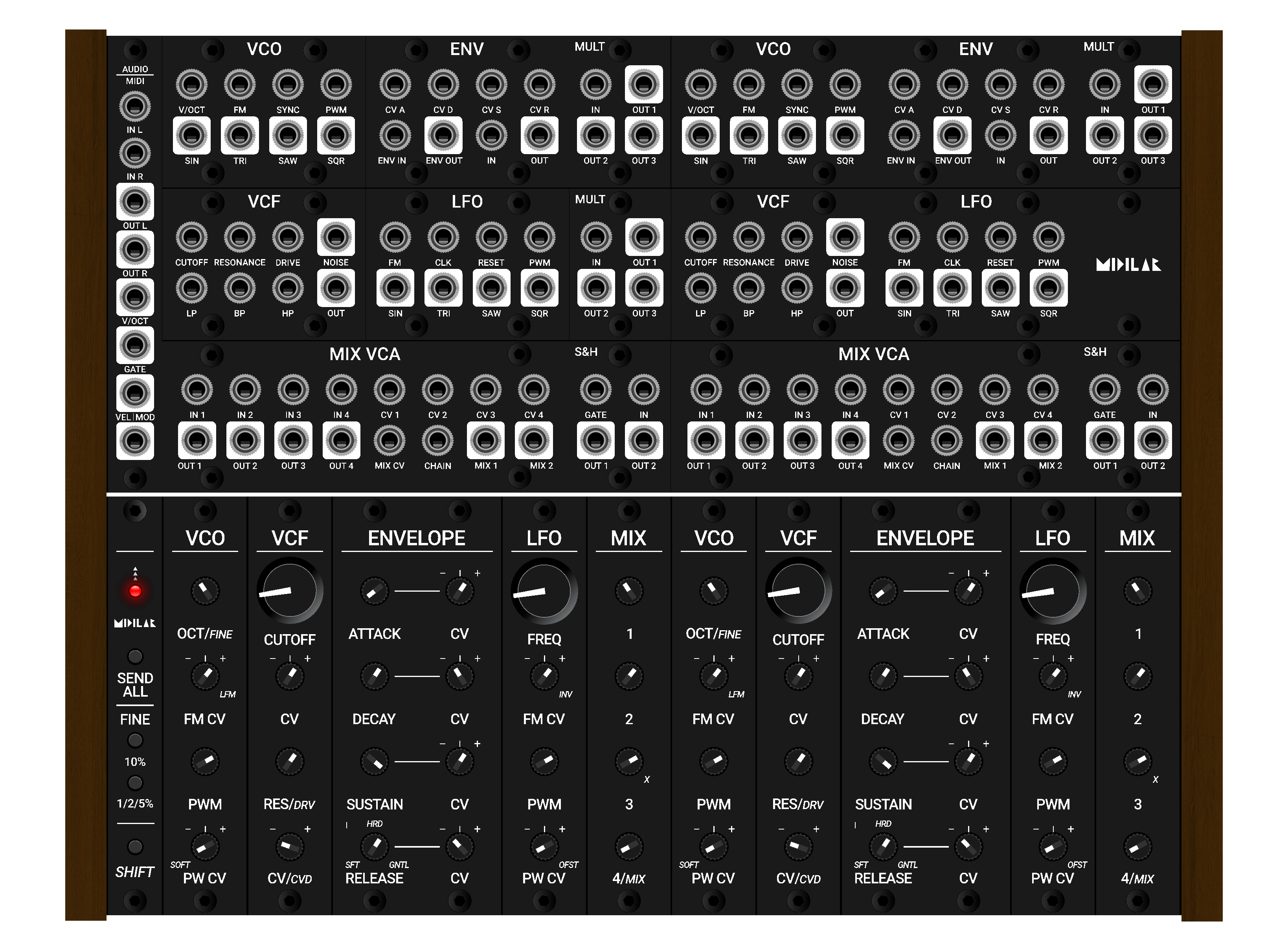
Midilar is a modular MIDI interface designed specifically for VCV Rack. Its modules are built to mirror the functionality of software modules found in VCV Rack, making the connection between hardware and virtual modular synthesis intuitive and direct.
In addition to this, Midilar can function as a standard MIDI controller. However, its primary purpose is to serve as a dedicated hands-on interface for VCV Rack rather than a general-purpose MIDI device.
What are its main advantages?
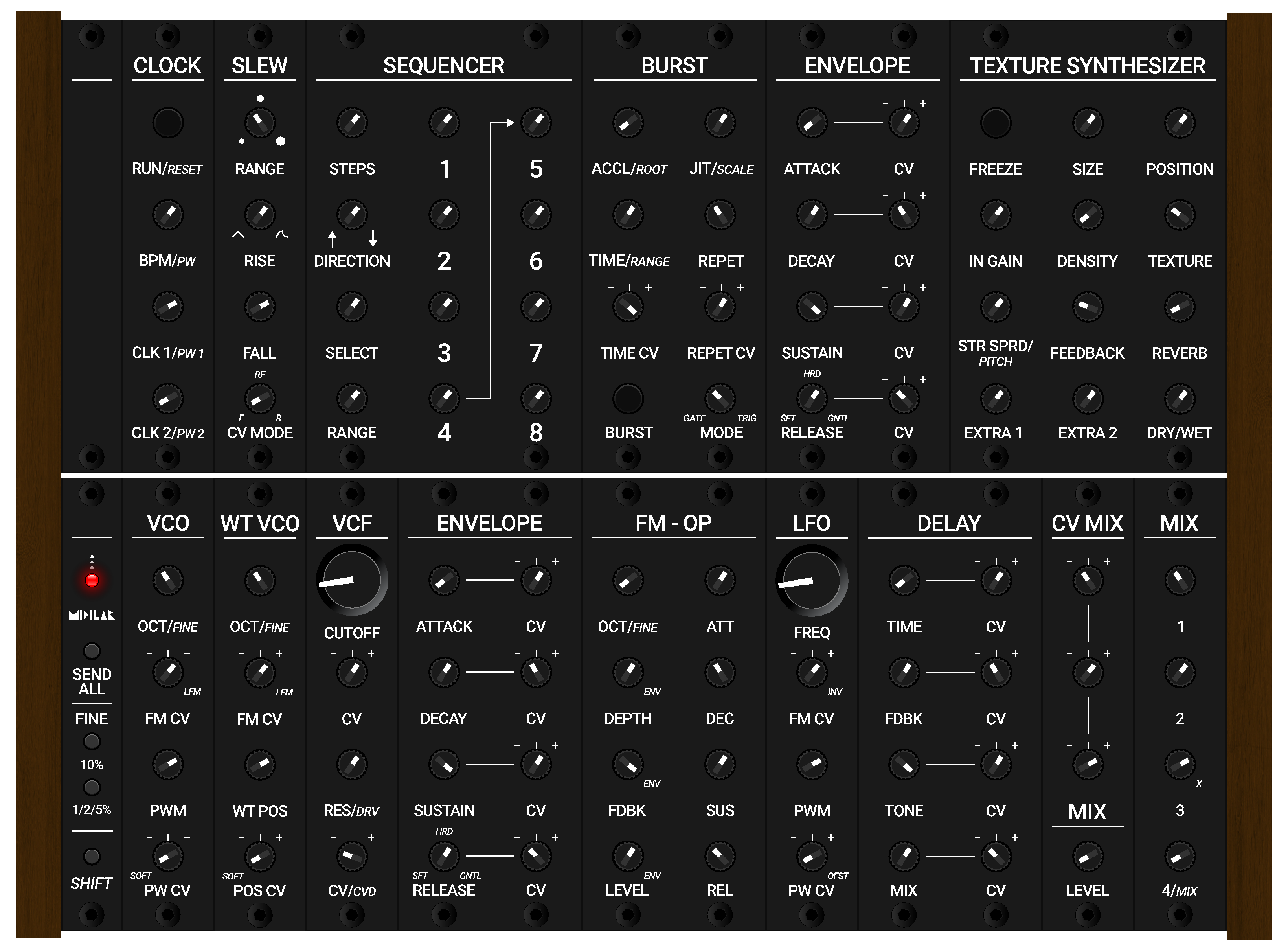
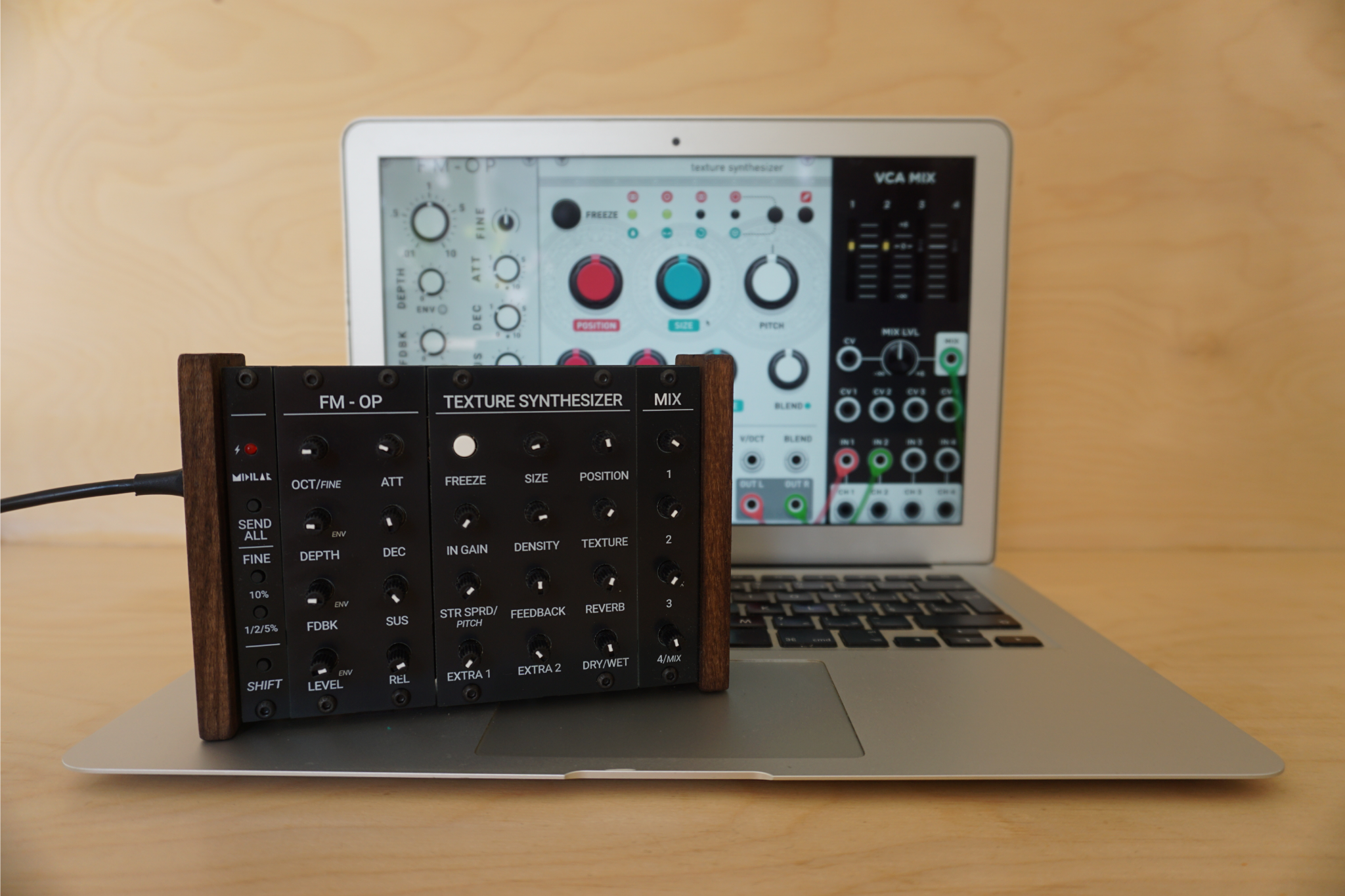
Modularity — users can freely combine modules and build their own custom instrument tailored to their creative goals. This can range from an FM synthesizer to an unconventional guitar effects processor, especially when using VCV Rack as a VST plugin inside a DAW.
Labeled modules — clear labeling allows for easy orientation and immediate understanding of each module's function.
Huge control over VCV Rack — the system functions as a powerful MIDI controller capable of controlling up to 96 parameters depending on system size, with even more secondary functions unlocked through the SHIFT module.
What is Midilar not?
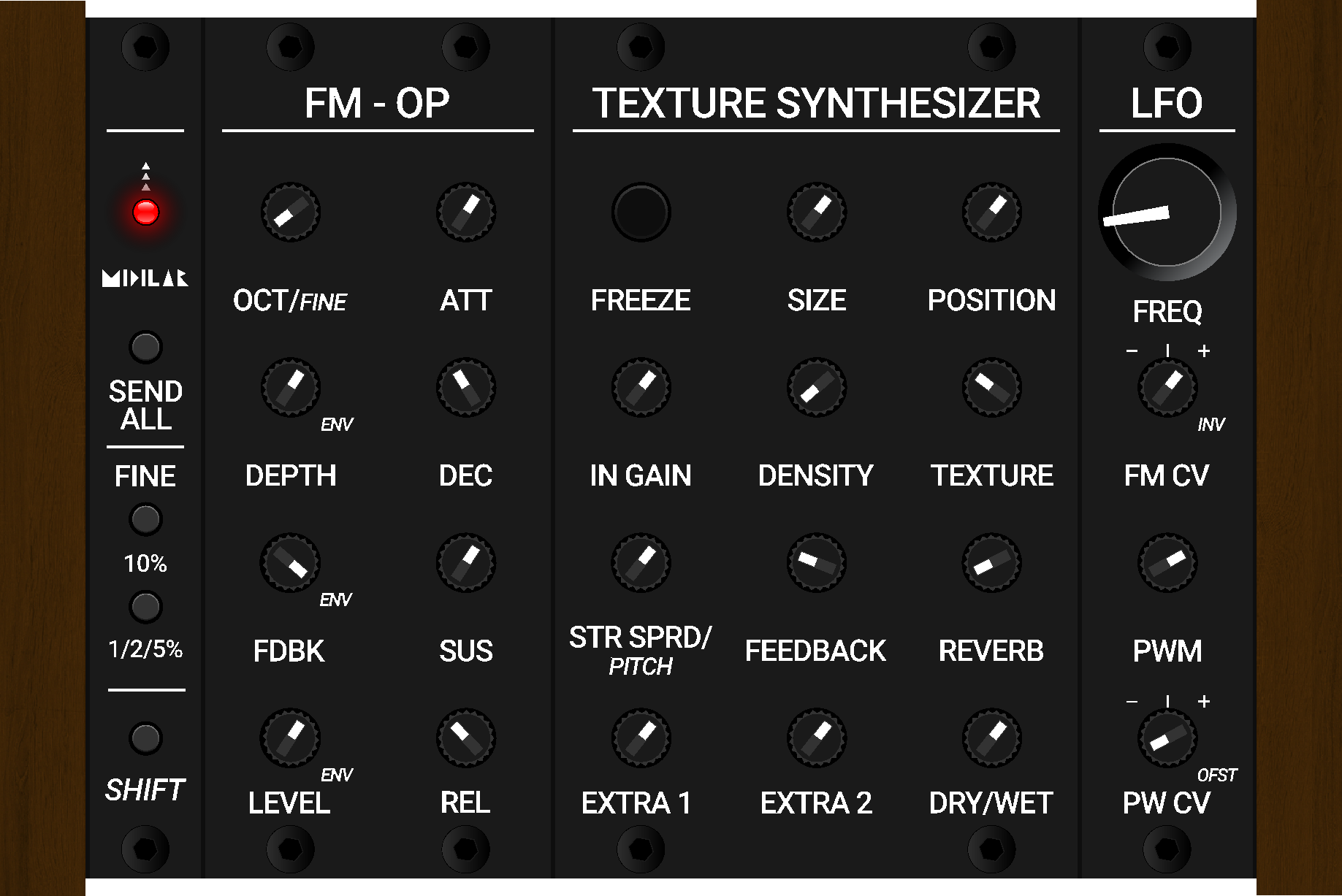
Midilar does not have a DIN MIDI output. The overall design is intentionally very simple, largely due to its modular nature and the need to keep costs reasonable.
It does not aim to compete with generic MIDI controllers already available on the market. There are many excellent controllers that already fulfill that role very well, such as Yaeltex, Intech Studio, Novation, and others.
From the very beginning, Midilar has been strongly tied to VCV Rack, and its design decisions reflect this close connection.However, it can also be used as a standard MIDI controller if needed.
Midilar Apparatus - Coming soon!
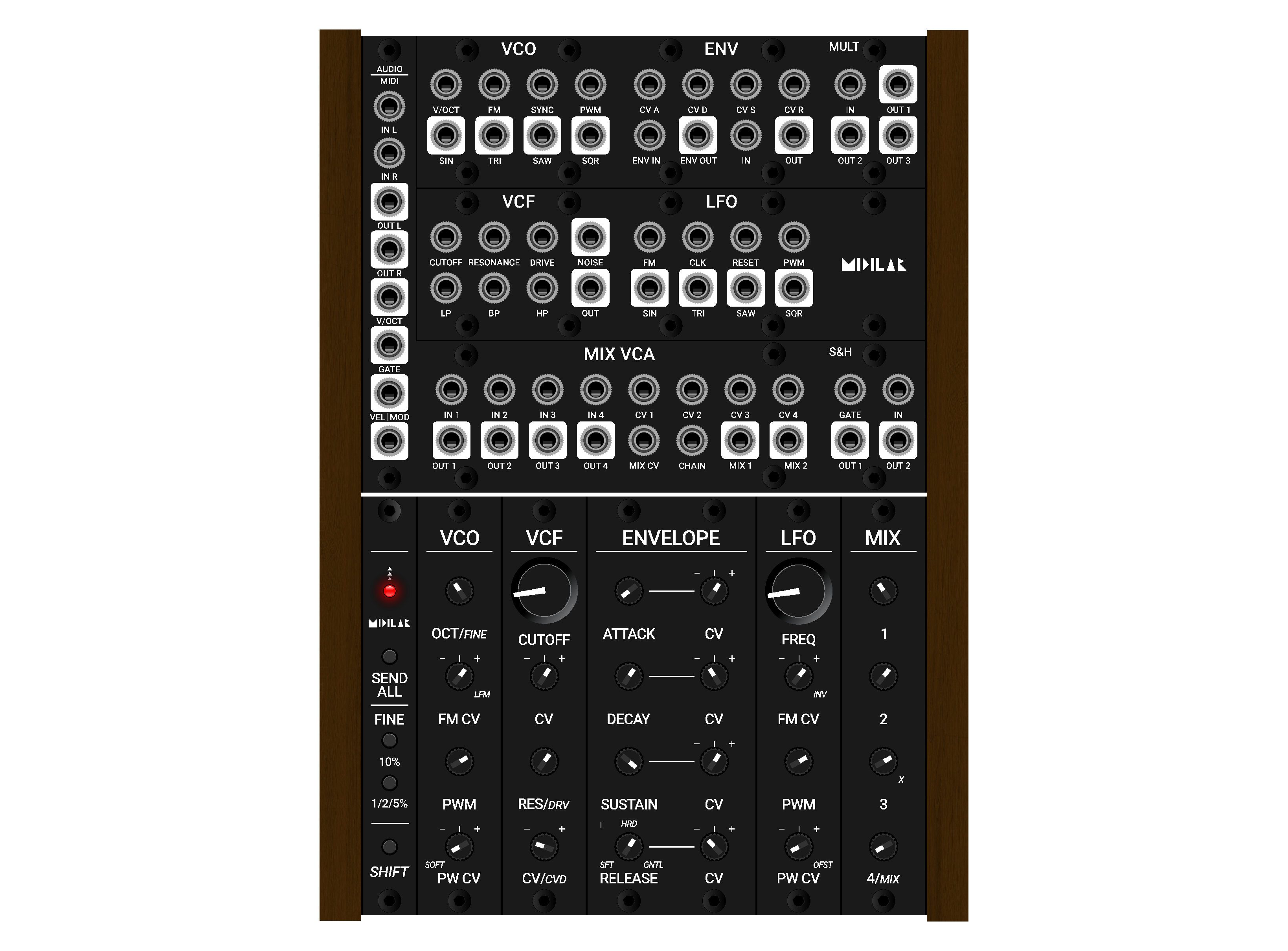
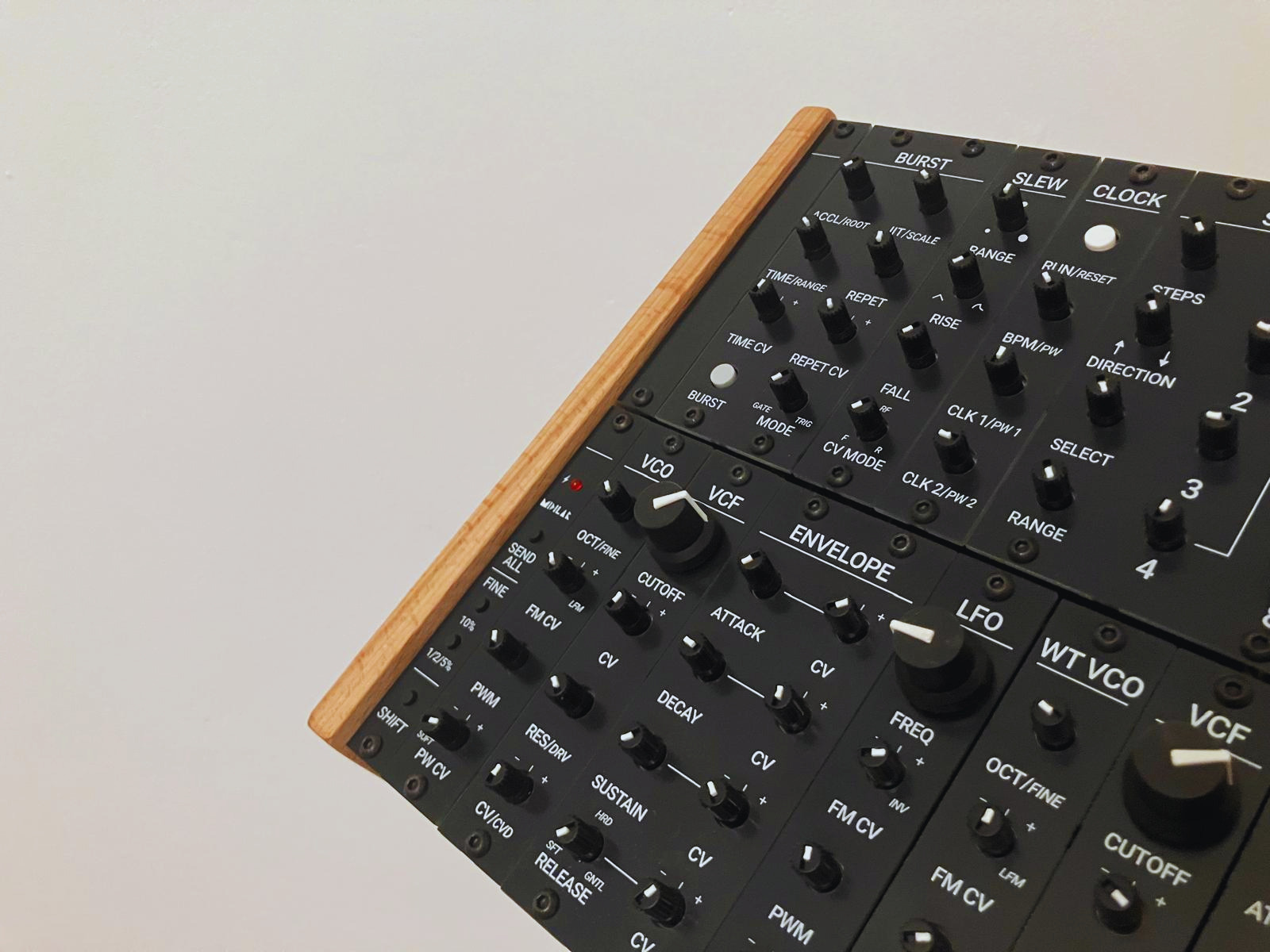
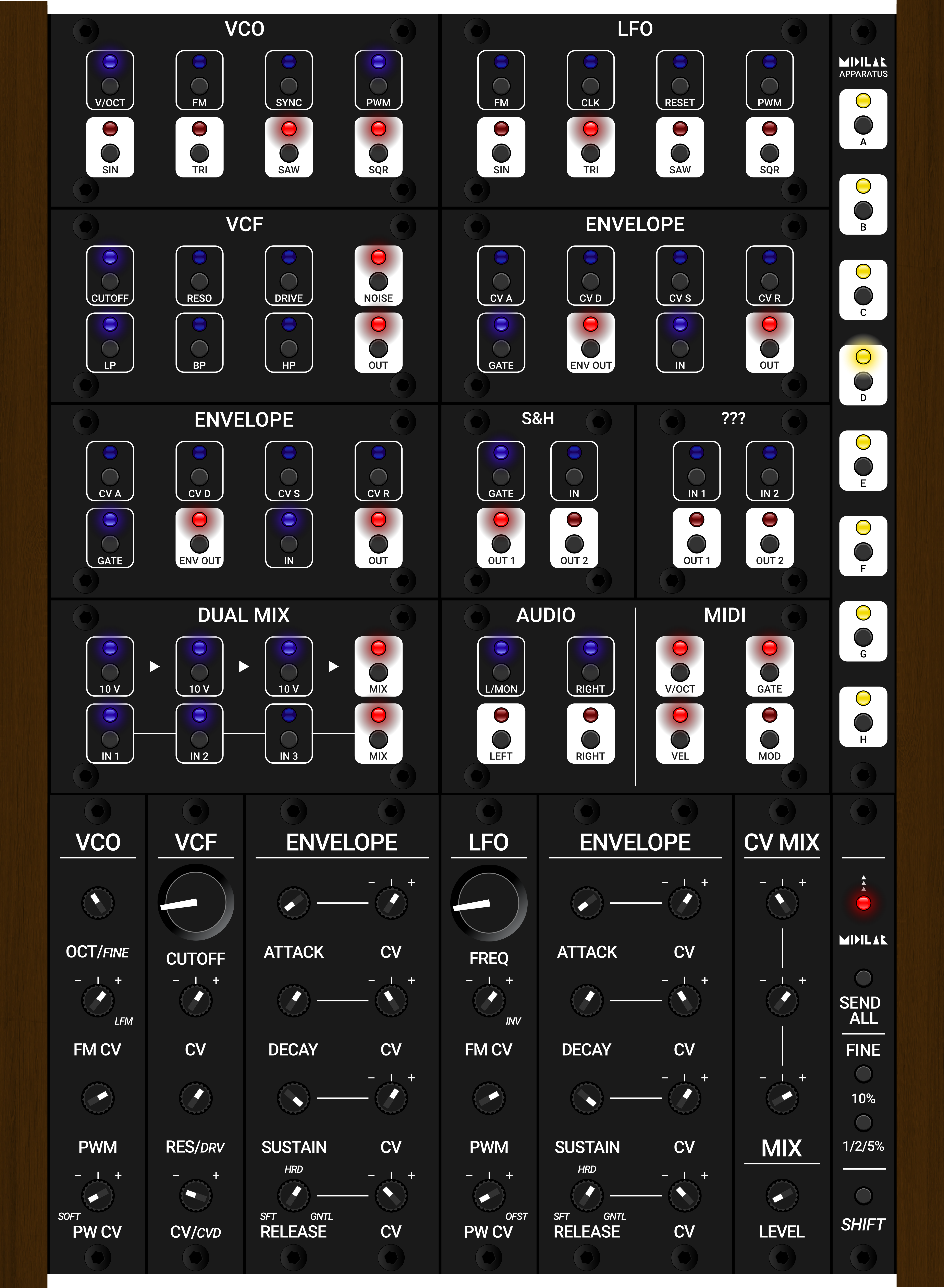
Midilar Apparatus is based on the Midilar MKII system for controlling module parameters, combined with a special hardware patchbay for patching virtual cables in VCV Rack.
The patchbay acts as a hardware controller for the Splice-kit module: https://www.youtube.com/watch?v=5q71CVEHUD8, which handles the virtual cable patching. The idea is that each module in the Midilar MKII system will have a corresponding patchbay module with its own inputs and outputs.
This creates a unified system for controlling both module parameters and signal connections. You can also stack cables, create unique connections, and save presets — allowing you to control the entire VCV Rack setup without interacting with the computer. More info here: https://youtu.be/WETLGpB2LLA?si=dvhANwc4Iu30p0KK
User guide
How to add a module?
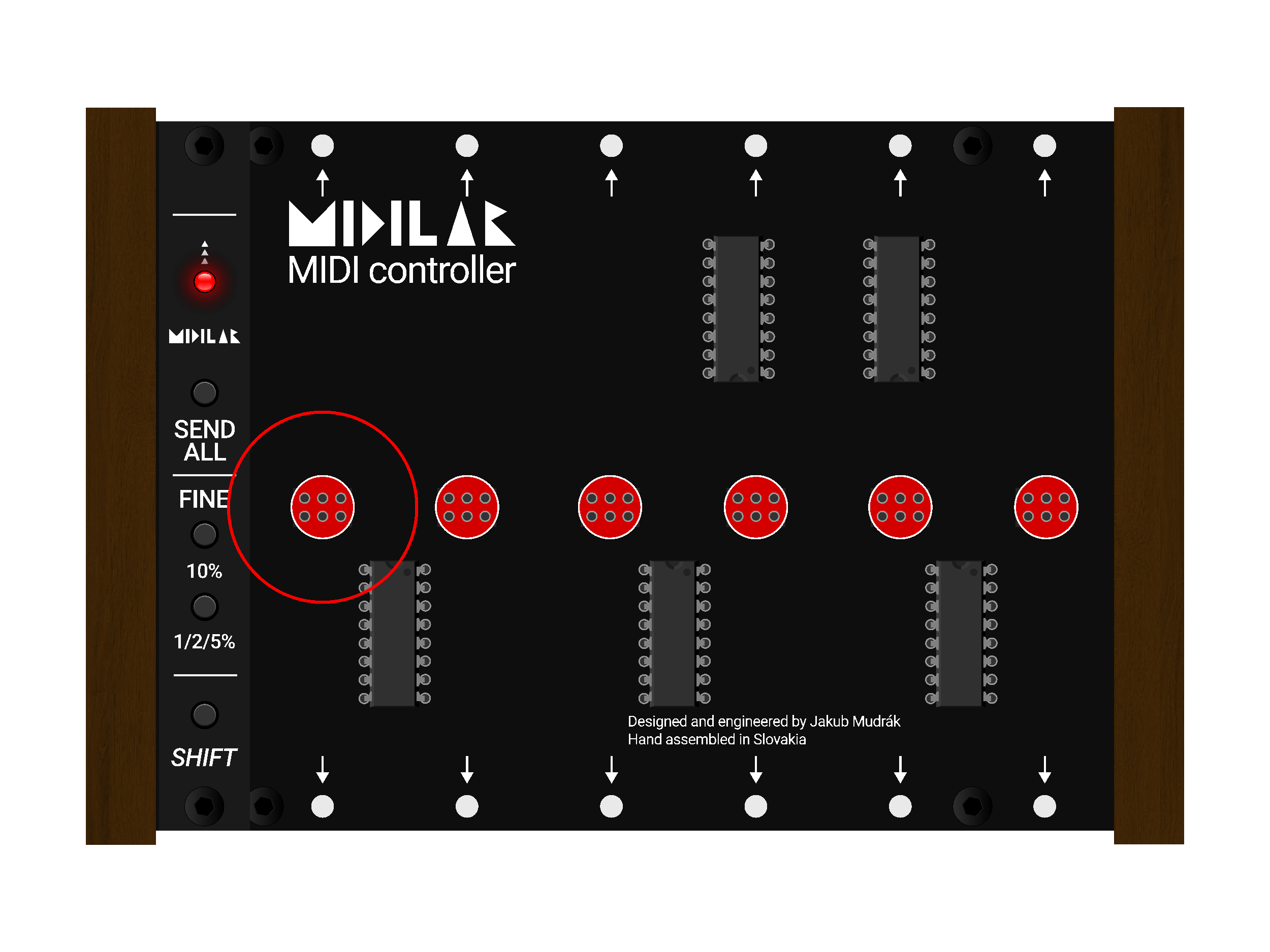
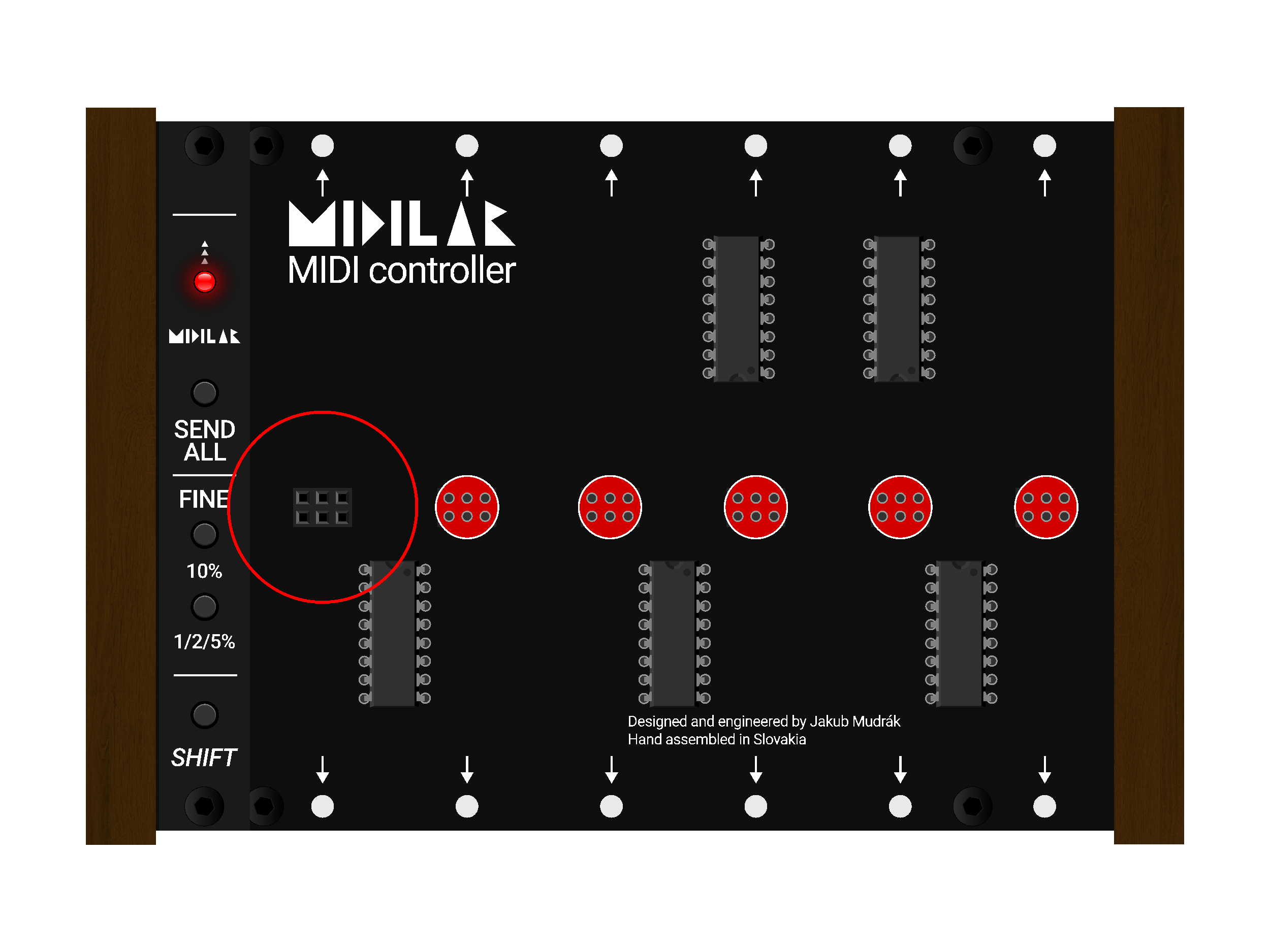
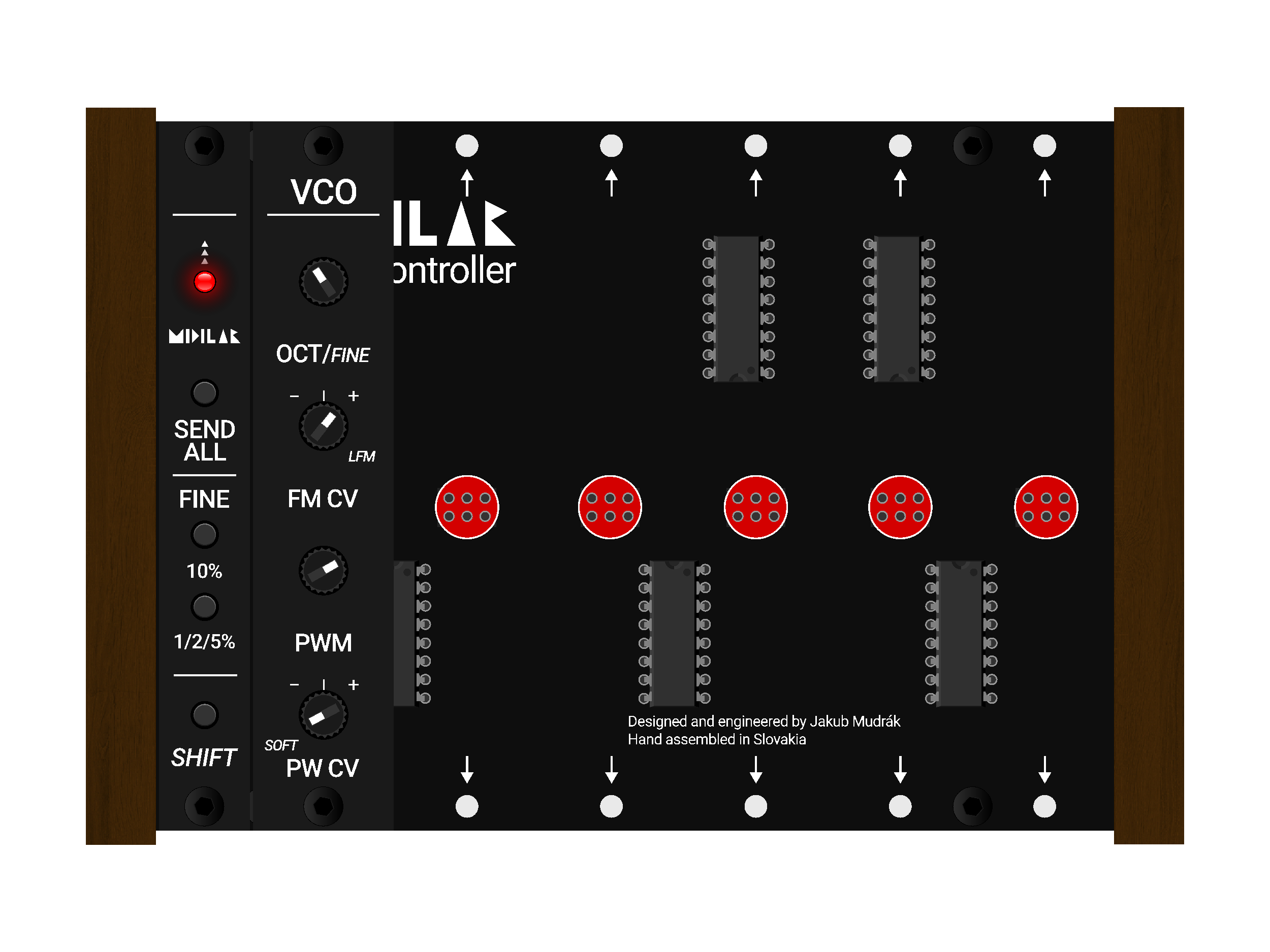
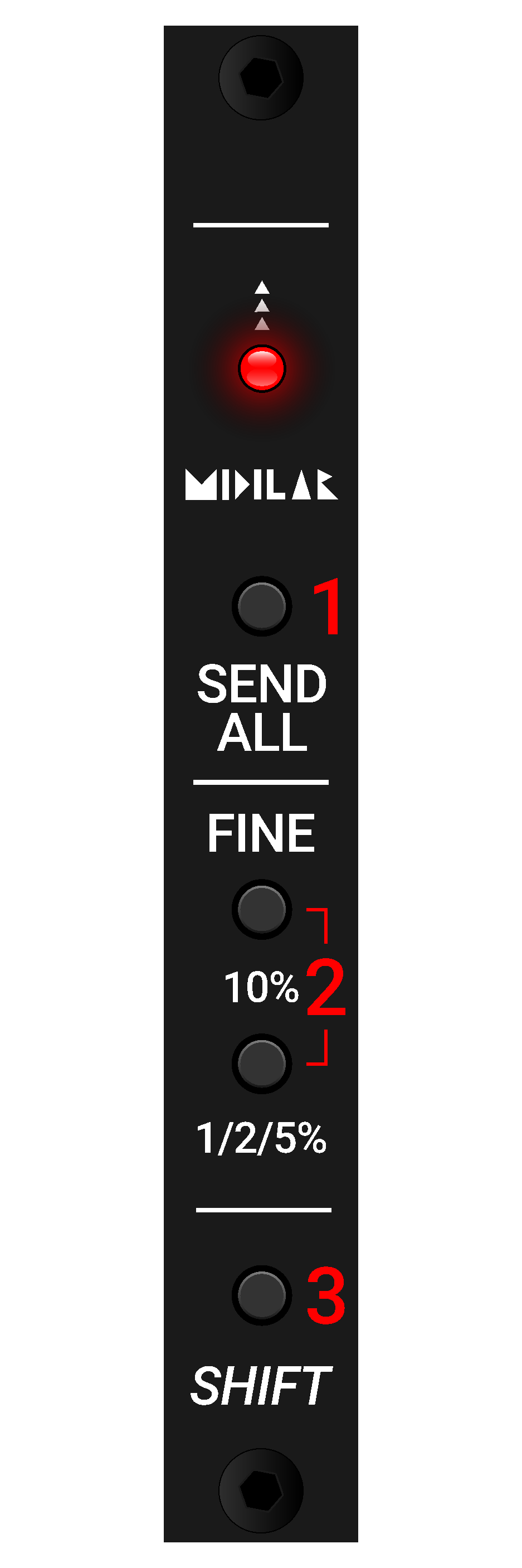
Shift module
The shift module is a core module included in every Midilar unit, positioned on the far left side. It contains four buttons and an LED indicator.
-
1Send AllSynchronizes all modules in VCV Rack according to the current physical positions of the controls. Press this at the beginning of a new patch to ensure parameter values are directly under your hands.
-
2Fine / 10% / 1/2/5%Activates the FINE expander for the MIDI CAT module. Hold while turning a knob to adjust parameters with finer resolution.
-
3ShiftEnables secondary control functions. When pressed, the CC number or MIDI channel of potentiometers and other controls changes.
Shift button
The SHIFT button operates in pickup mode. A potentiometer must reach the same position it had before SHIFT was pressed or released — this prevents sudden jumps in MIDI values.
A LED indicator lights up only at the moment when the control is "picked up" — meaning it is aligned with the currently active parameter value.
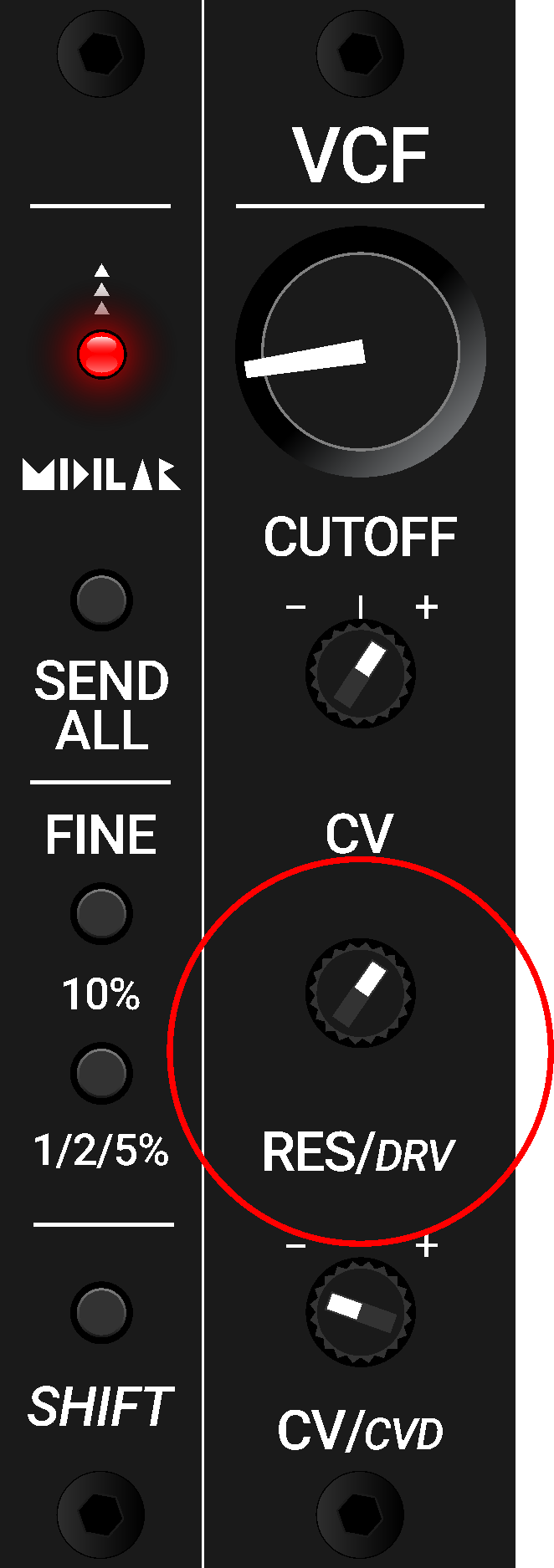
- When you turn the third potentiometer, the RESONANCE (RES) parameter changes and the LED is lit, indicating active control.
- Press the SHIFT button.
- The LED will remain off until the potentiometer reaches the exact position it had before SHIFT was pressed.
- Once the LED lights up again, the potentiometer is now controlling the secondary function DRIVE (DRV).
- Without looking at the computer screen, you can immediately tell, thanks to the illuminated LED, that the potentiometer is now controlling the DRIVE (DRV) parameter.
- Release the SHIFT button.
- If you want to control the RESONANCE (RES) again, the potentiometer must once more be "picked up."
- Turn the potentiometer until the LED lighting up confirms that the control is active. You know you are adjusting RESONANCE (RES) again.
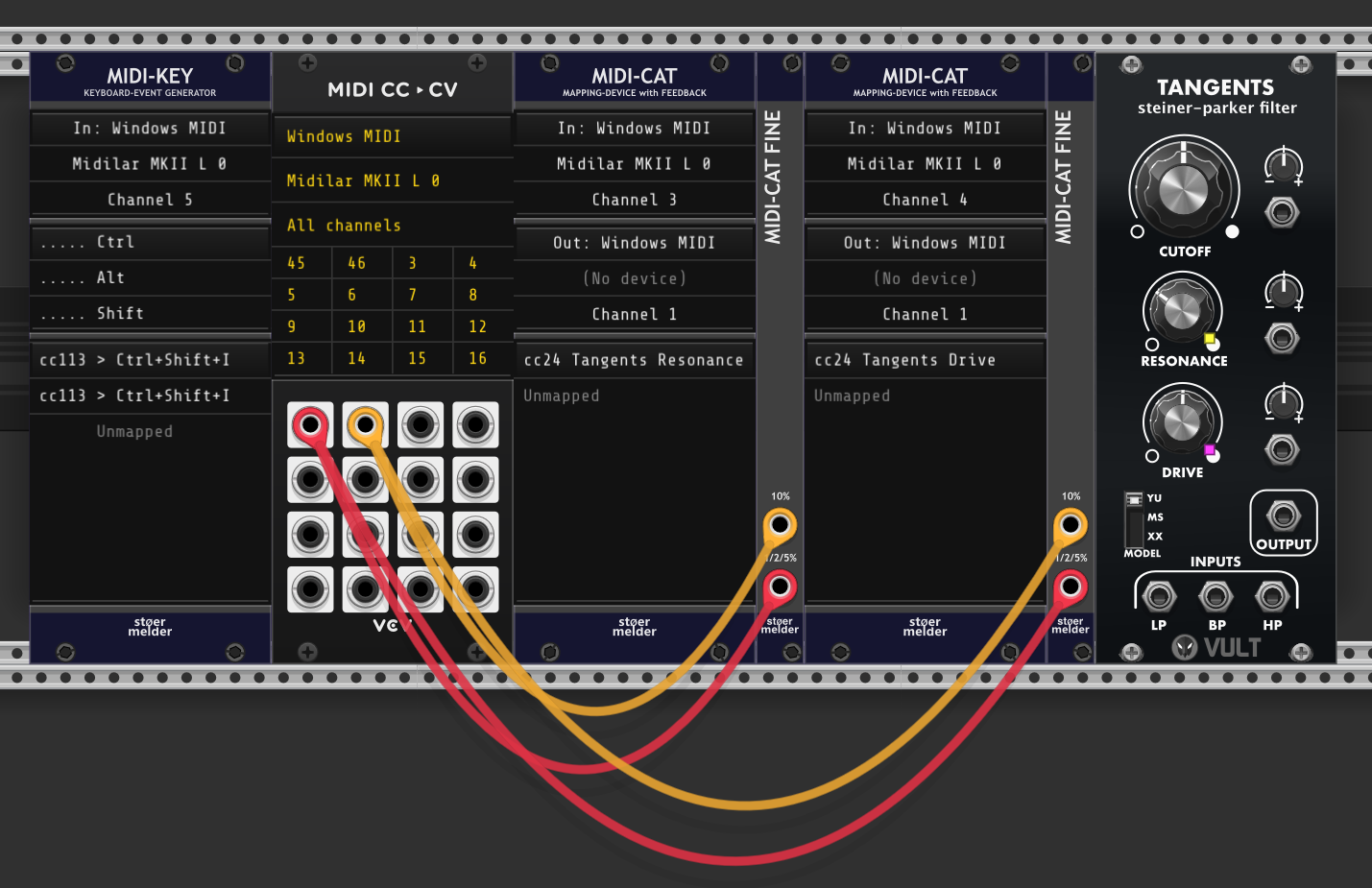
Mapping example: CC24 on MIDI Channel 3 is mapped to the Resonance parameter of the Tangents module via the first MIDI CAT module. CC24 on MIDI Channel 4 (active when the SHIFT button is pressed) is mapped to the Drive parameter of the Tangents module via the second MIDI CAT module.
Mapping setup
The mapping setup consists of two MIDI-CAT modules:
- The first MIDI-CAT module maps all controls without using the SHIFT function on a single MIDI channel (in this case Channel 3).
- The second MIDI-CAT module maps the same controls on a different MIDI channel (in this case Channel 4), which is activated by pressing the SHIFT button.
To improve clarity and orientation, the MIDI-CAT module that contains the SHIFT-mapped controls uses a different color for its mapping indicators. This is a native feature of the MIDI-CAT module; in this case, the indicators are set to purple.
A MIDI CC to CV module is used to send trigger signals from the FINE push buttons of Midilar to the MIDI-CAT FINE expander of both MIDI-CAT modules.
The MIDI-KEY module is used to disable the pickup (snap) function when the SEND ALL button of Midilar is pressed. Without disabling this function, it would not be possible to correctly synchronize the current positions of the software controls with the values coming from Midilar.
Slew & Pickup (snap)
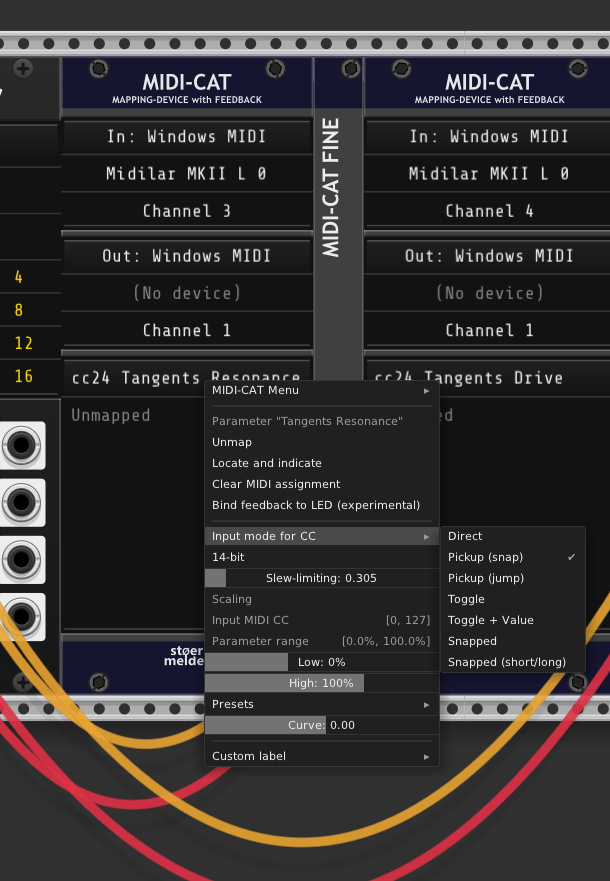
Knobs that are intended to use FINE function must be set to the pickup (snap) input mode for CC.
This function also ensures that when a saved patch is loaded while the physical knobs on Midilar are in different positions, the corresponding controls in VCV Rack become active only after the knobs reach the stored values. This effectively prevents sudden parameter jumps.
When starting a new patch, it is recommended to use the SEND ALL function instead to ensure that the true parameter values are directly under your hands.
All mapped potentiometers are set to approximately 0.3 slew limiting to ensure smooth, stepless parameter changes when increasing or decreasing values.
Midilar modules
Midilar modules are designed to mirror the modules in VCV Rack as closely as possible, aiming for a 1:1 control relationship.
However, some module controls are mapped as SHIFT functions, since they are not used frequently (in this case enabling ENV modes). This approach helps reduce the number of physical controls. Examples of this mapping strategy were shown on the previous pages.
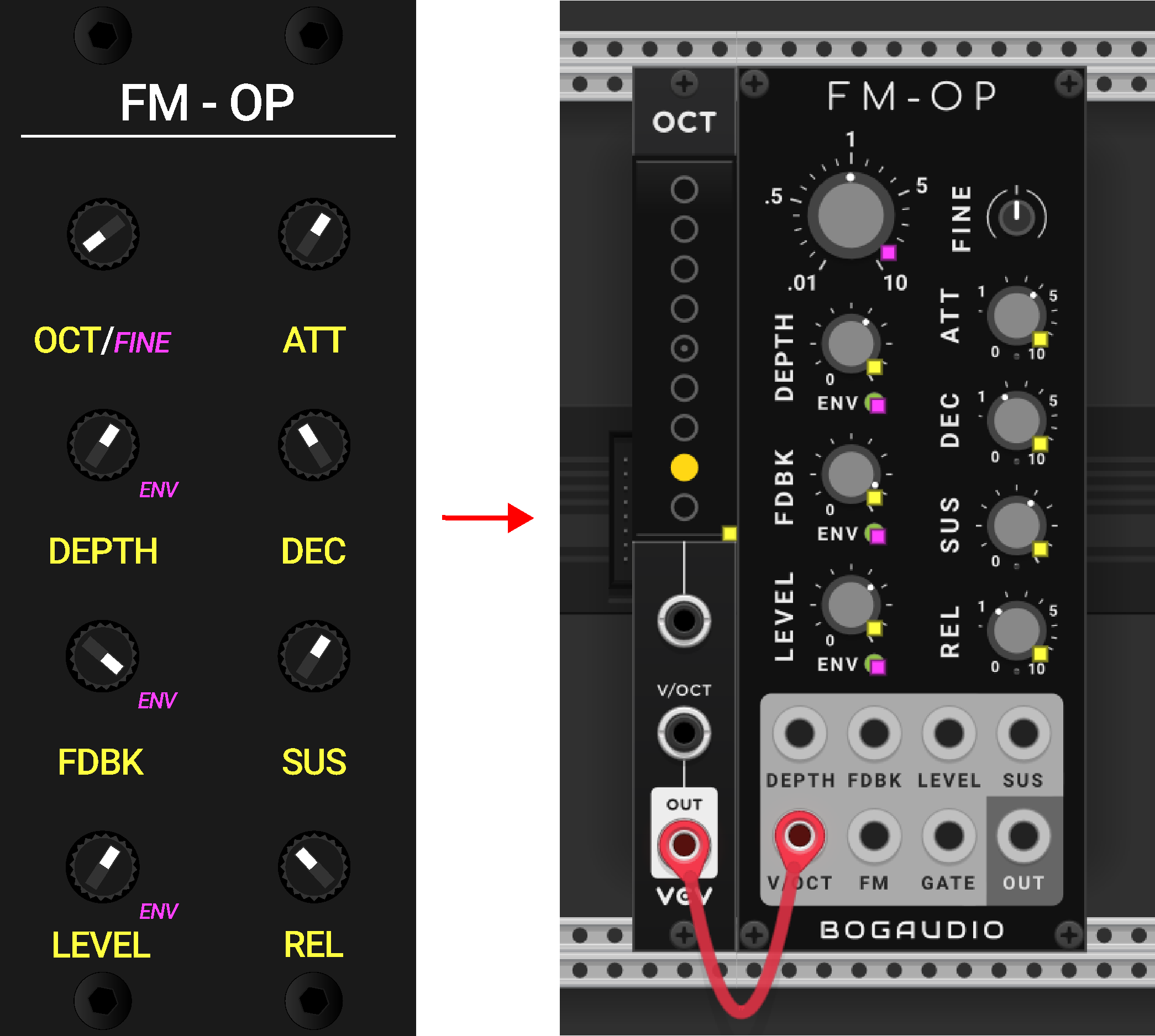
In some cases, additional VCV Rack modules are added to achieve more intuitive and simplified control. One example is an FM operator. Instead of directly controlling the operator's frequency, the control is assigned to its octave. For this reason, an OCT module from VCV Rack is added and patched to the FM operator using a cable connection. Fine or frequency adjustment is then handled via the SHIFT function. This prevents accidental detuning of the entire module during performance. When precise tuning is required, the SHIFT button can be pressed to access this control intentionally.
Blank modules
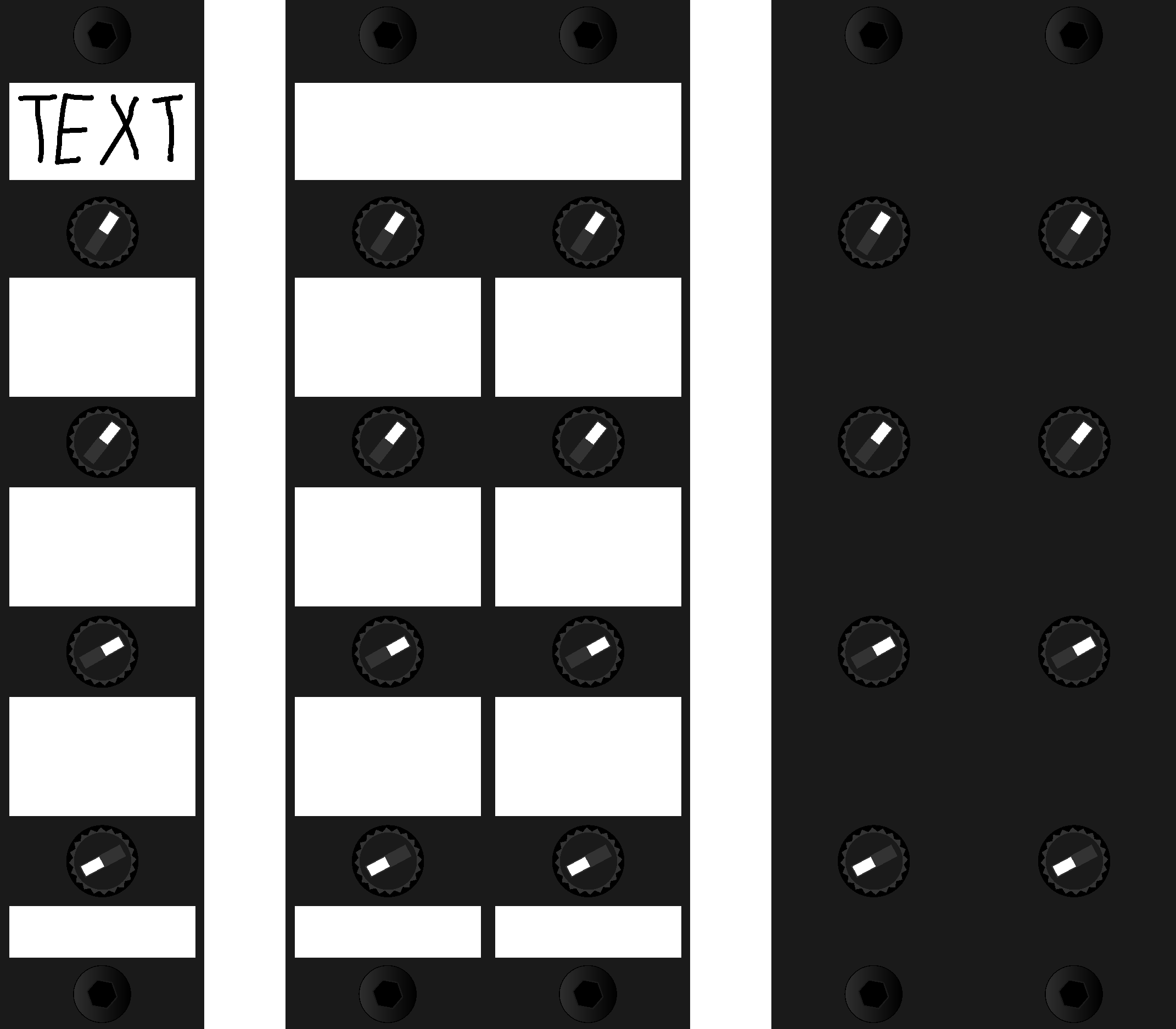
For users who are not yet sure which modules they want, have not made a final decision, or wish to create their own, a blank version is also available.
This version features white squares intended for writing custom labels with a permanent marker. On the reverse side, all modules are black and can also be used as-is.
Special thanks to Benjamin Dill (stoermelder) for the packTau and packOne modules and for providing updates on demand. Thanks to Omri Cohen for supporting Midilar from the very beginning on his YouTube channel. My heartfelt thanks go to my love, and to all the customers over the years who purchased Midilar and helped this project grow. I would also like to thank the entire VCV Rack community for the comments and likes.
Created by: Jakub Mudrák, 2026